
Guide
Why your Mac game clips look blurry, and the settings that fix it
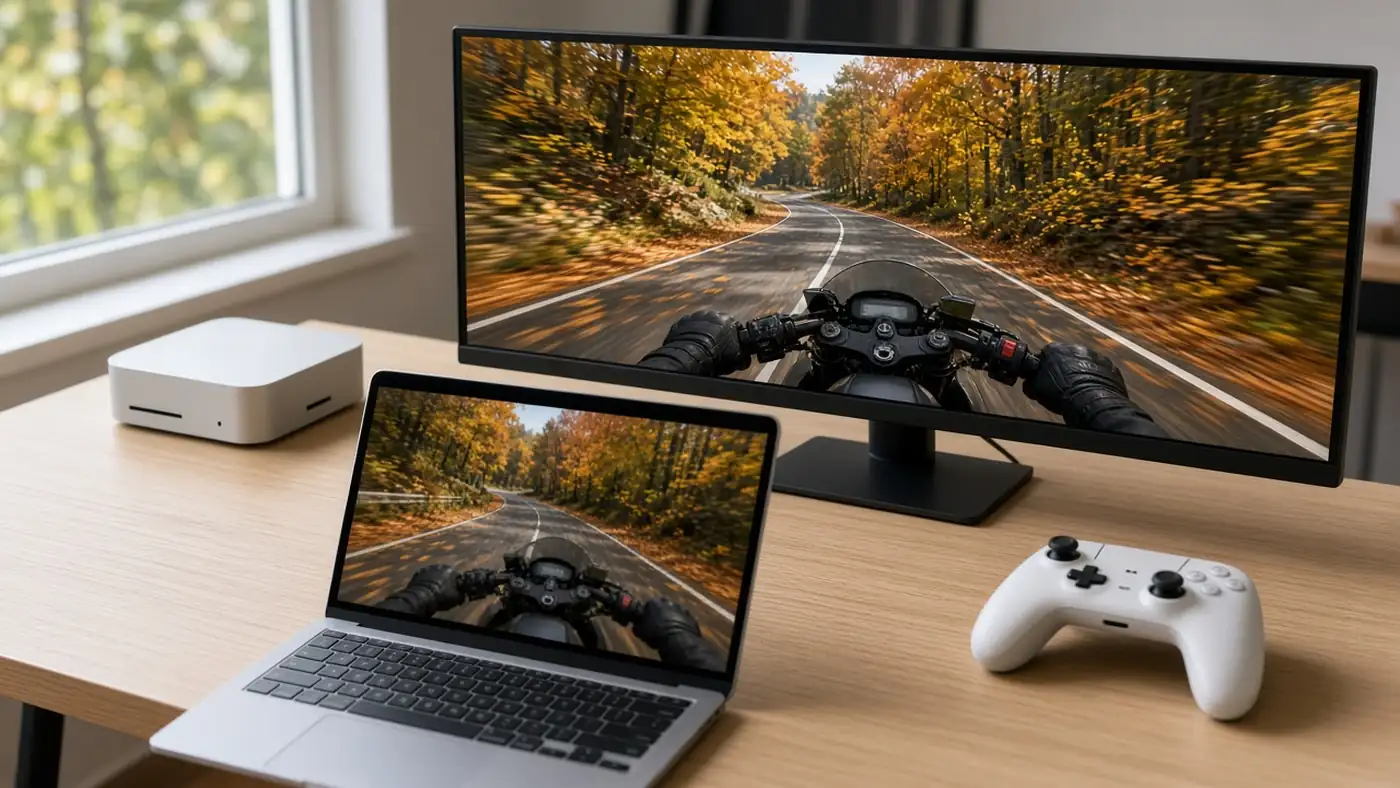
The moment looked sharp while you played it. Then you open the saved clip and the grass is mush, the text on the HUD smears, and every fast turn turns into blocks. On a Mac that's rarely a broken recorder. It's almost always one number: too few bits for too many pixels. Here's how to tell which setting is starving the clip, the numbers to aim for, and what to change in QuickTime, OBS or a clipper.
Disclosure: I make Hindsight, a Mac clipping app mentioned below. The maths and the fixes apply to any recorder.
The real cause: bits per pixel
A recorder doesn't store every frame. It hands frames to the Mac's hardware video encoder with a budget, the bitrate, and the encoder spends that budget across every pixel of every frame. Three settings decide how thin it gets spread:
- Bitrate, in megabits per second. More bits, more detail kept.
- Resolution. Twice the pixels means each one gets half the bits.
- Frame rate. 60 fps splits the same budget across twice as many frames as 30 fps.
Divide the bitrate by width × height × frames per second and you get bits per pixel per frame. It's a crude number, but it explains nearly every "why is my clip blurry" complaint. A useful reference point is YouTube's own recommended upload bitrates for H.264: 12 Mbps for 1080p60, 24 Mbps for 1440p60 and 53–68 Mbps for 4K at 60 fps. Run those through the formula and they all land at about 0.1 bits per pixel. That's a good target for a clip that still looks clean after it's been re-uploaded somewhere.
Why Macs make this worse: Retina pixels
A Mac's screen has far more pixels than its "looks like" resolution suggests. A 14-inch MacBook Pro shows a desktop that looks like 1512×982, but Apple's tech specs give the panel's native resolution as 3024×1964. A recorder that captures real pixels on that screen is encoding about 5.9 million of them per frame, almost three times a 1080p frame.
Here's what a common 12 Mbps recording works out to at 60 fps:
| What's captured at 60 fps | Pixels per frame | Bits per pixel at 12 Mbps | Bitrate for ~0.1 |
|---|---|---|---|
| 1920×1080 | 2.1 million | 0.097 | 12 Mbps |
| 2560×1440 | 3.7 million | 0.054 | about 22 Mbps |
| 3024×1964 (14-inch MacBook Pro, native) | 5.9 million | 0.034 | about 36 Mbps |
| 5120×1440 (32:9 ultrawide) | 7.4 million | 0.027 | about 44 Mbps |
So the same 12 Mbps that's plenty for a 1080p window is a third of what a full Retina screen needs. That gap is why big-monitor players hit quality walls first. When we read through RetroClip's App Store reviews, one of the recurring complaints was that its 25 Mbps ceiling looked too soft on large and ultrawide displays, including a 5120×1440 one. At 60 fps on that monitor, 25 Mbps is about 0.057 bits per pixel, which matches the complaint.
Fix 1: cap the resolution before you raise the bitrate
The cheapest fix is usually fewer pixels, not more bits. A clip downscaled to 1920 or 2560 pixels wide looks sharper than a native Retina capture at the same bitrate, because each pixel gets more of the budget, and almost nobody watches a shared clip at 3024 pixels wide anyway.
- Capture the game window, not the whole display. A game running in a 1600×900 window only needs bits for that window. Window vs display capture covers the trade-offs.
- In OBS, set Settings › Video › Output (Scaled) Resolution to 1920×1080 or 2560×1440 instead of your Mac's full canvas. The OBS Replay Buffer guide has encoder settings that suit Apple silicon.
- In a clipper, look for a resolution limit or output size setting and pick 1920 or 2560.
Fix 2: give fast games more bitrate
Encoders save bits by reusing what didn't change between frames. A slow strategy game barely changes from one frame to the next; a racing game, a shooter flick or falling snow changes almost every pixel, so the same bitrate falls apart. If your clips only look bad during fast motion, that's the tell. Raise the bitrate one step and record the same moment again.
The cost is file size, and it's predictable: size is bitrate × length. A minute at 12 Mbps is about 92 MB, at 20 Mbps about 152 MB, and at 30 Mbps about 227 MB, counting a little audio on top. If the clip is headed for Discord, that matters; the Discord sharing guide has the seconds that fit under the 20 MB free limit.
Fix 3: drop to 30 fps for slow games
For turn-based games, city builders and anything where motion is slow, 30 fps doubles the bits each frame gets with no visible loss. Keep 60 fps for shooters, racers, fighting games and anything you might slow down later.
Things that look like recorder blur but aren't
- The game itself is upscaling. Many Mac games render below native resolution and upscale (MetalFX, a render-scale slider, or a low resolution in the game's settings). The recorder can't add detail the game never drew. Check the game's resolution before blaming the clip.
- The upload re-encoded it. YouTube re-encodes every upload and shows lower resolutions first while HD versions process, so a clip can look soft for the first few minutes after it goes up. Judge quality from the original file on your Mac.
- You shrank it to share it. A 720p export from QuickTime to fit a size limit will be softer than the original. That's the right trade for chat apps; keep the original if you want it for a montage later.
- Display capture of a windowed game. Capturing the whole screen around a small window spends pixels and bits on your desktop wallpaper.
Settings that work on most Macs
| Situation | Resolution | Frame rate | Bitrate |
|---|---|---|---|
| Short clips for Discord or friends | 1920 wide | 60 fps | 8–12 Mbps |
| Fast games you'll upload to YouTube | 1920 wide | 60 fps | 12–20 Mbps |
| Sharp 1440p clips | 2560 wide | 60 fps | 20–30 Mbps |
| Slow strategy or sim games | 2560 wide | 30 fps | 12 Mbps |
| Ultrawide or full Retina, no compromise | Native | 60 fps | 30–50 Mbps, and expect big files |
None of these costs you frame rate in the game on Apple silicon. The encoding runs on the chip's dedicated media engine, which Apple lists separately from the CPU and GPU (the 14-inch MacBook Pro spec sheet above names "hardware-accelerated H.264, HEVC" under Media Engine). Higher bitrates mostly cost disk space and memory, not performance. If you want the long version, see does recording slow down gaming on a Mac.
How Hindsight handles it
Hindsight keeps the last 15 seconds to 5 minutes of a game window in
memory and saves it when you press ⌥ ⇧
C. Its defaults are chosen around the maths above: 60 fps,
12 Mbps H.264, and a resolution limit of 2560 pixels on the long edge,
so a Retina window is scaled down before encoding instead of being
spread thin at native size. Settings offers 8, 12, 20, 30 or 50 Mbps,
30 or 60 fps, and a limit of 1920, 2560, 3840 pixels or native, and it
shows how big a minute of clip will be before you save one. Window
captures are also trimmed to the game picture, so no bits go to the
title bar or black bars.
You can get it two ways, both with every feature free for 14 days: from the Mac App Store ($19.99 a year or $29.99 once), or as a direct download from this site ($18.99 a year or $27.99 once). It needs macOS 14 or later. If you're still comparing apps, the 2026 Mac clipper roundup starts with the free options.
FAQ
Why do my screen recordings look blurry on a Mac?
Usually the bitrate is too low for the number of pixels being recorded. Retina screens have far more pixels than they appear to, so a bitrate that's fine for 1080p looks soft at native resolution. Cap the output at 1920 or 2560 pixels wide, or raise the bitrate.
What bitrate should I record Mac gameplay at?
Aim for roughly 0.1 bits per pixel per frame, which is what YouTube's recommended upload bitrates work out to: about 12 Mbps for 1080p at 60 fps and 20 to 24 Mbps for 1440p at 60 fps. Fast games benefit from the higher end.
Should I record gameplay at 30 or 60 fps on a Mac?
Use 60 fps for fast games like shooters and racers. For slow strategy or simulation games, 30 fps gives each frame twice the bitrate and usually looks sharper at the same file size.
Does a higher recording bitrate lower game FPS on Apple silicon?
Not noticeably. Apple silicon Macs encode H.264 and HEVC on a dedicated media engine, separate from the CPU and GPU running the game. Higher bitrates mainly cost disk space and memory.
Why does my clip look sharp on my Mac but blurry on YouTube?
YouTube re-encodes every upload and shows lower resolutions first while HD versions finish processing. Wait for processing to finish, and upload at or above YouTube's recommended bitrate for your resolution.