
Blog
Clipping games on a Mac
Practical guides to recording and clipping on macOS, including the parts where the honest answer is "use something else". RSS.
Roundup ·
Best Mac gameplay clipping apps in 2026
Start free where it fits: Steam Game Recording for Steam games, OBS Replay Buffer for any title if you will set it up, then open-source menu-bar tools like ReplayMac, Vestige, ClipForge, and Rewinder. Paid options are ClipMac (cloud-oriented, macOS 15+) and Hindsight: Instant Replay ($19.99/year, macOS 14+, one window). There is no NVIDIA ShadowPlay or Medal desktop recorder on Mac.

Explainer ·
Does screen recording slow down gaming on a Mac?
Usually no—if the clipper hardware-encodes through VideoToolbox on the media engine instead of software-encoding on the CPU. A well-built rolling buffer keeps encoded frames in RAM and does not sit on the game’s render path. Recording hurts when you use x264, overload a thin Air with high-bitrate display capture, or write a full session to disk continuously.
Explainer ·
Does Medal work on a Mac in 2026?
No. Medal does not currently support macOS as a clipping platform. Medal's own platform guide lists Mac as unsupported—no desktop or mobile apps for Apple laptops or desktops—and their Mac download article says they no longer support Medal for Mac. You can still use the limited web app or AirDrop clips to an iPhone to upload.
Guide ·
OBS Replay Buffer on a Mac: setup that works, and what it can't do
OBS Replay Buffer works on a Mac once you enable it, assign Save Replay, start the buffer each session, and switch the encoder to Apple VideoToolbox instead of x264. It cannot isolate game audio from Discord without BlackHole or Loopback, and it stays a broadcast console rather than a one-key menu-bar clipper.
Guide ·
Window capture vs display capture for Mac gameplay clips
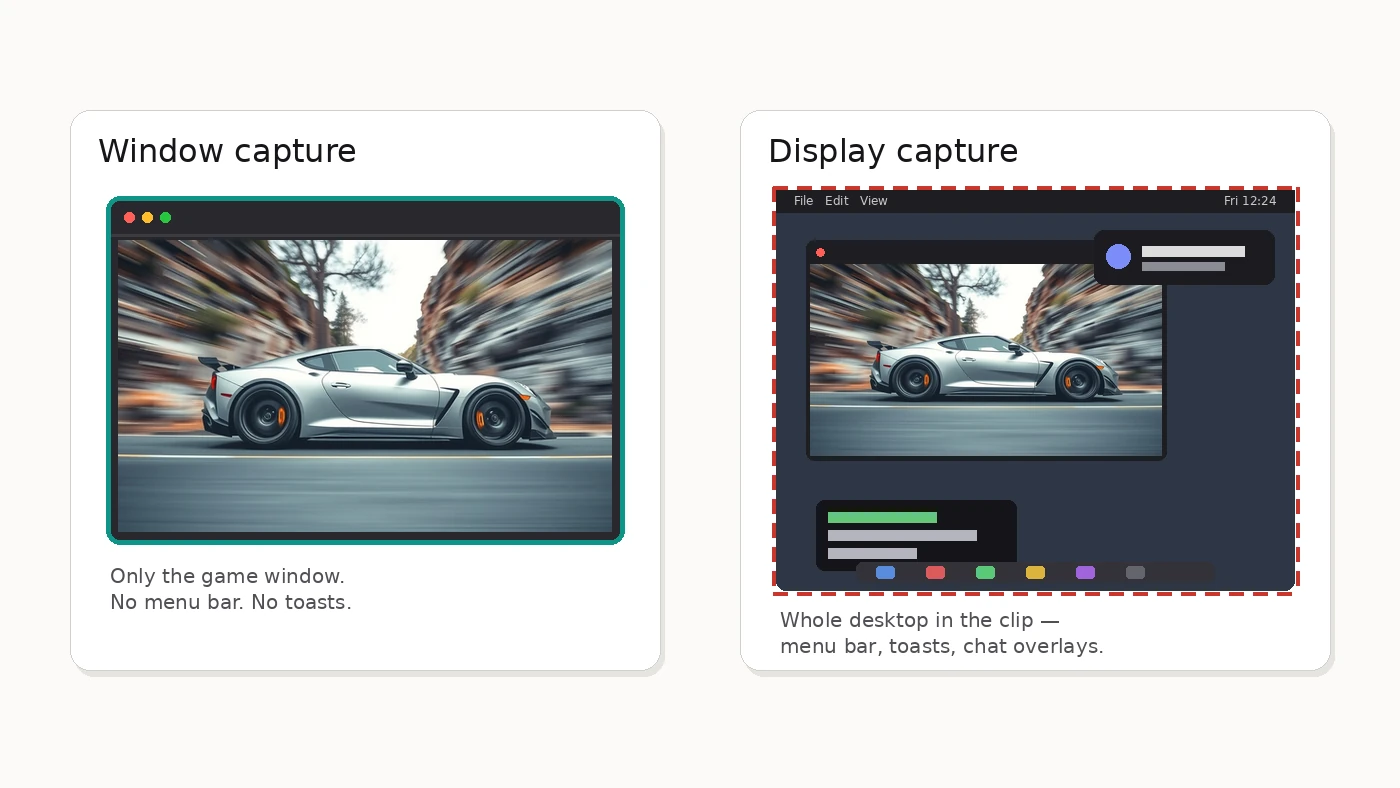
Use window capture when you want a clean gameplay clip: one game window, no menu bar or notifications, and ScreenCaptureKit can isolate that app's audio from Discord. Use display capture when the desktop itself is the story—multi-window tutorials or demos. Built-in Screenshot tools still default to the display; pick the target before you record.
Mac gaming ·
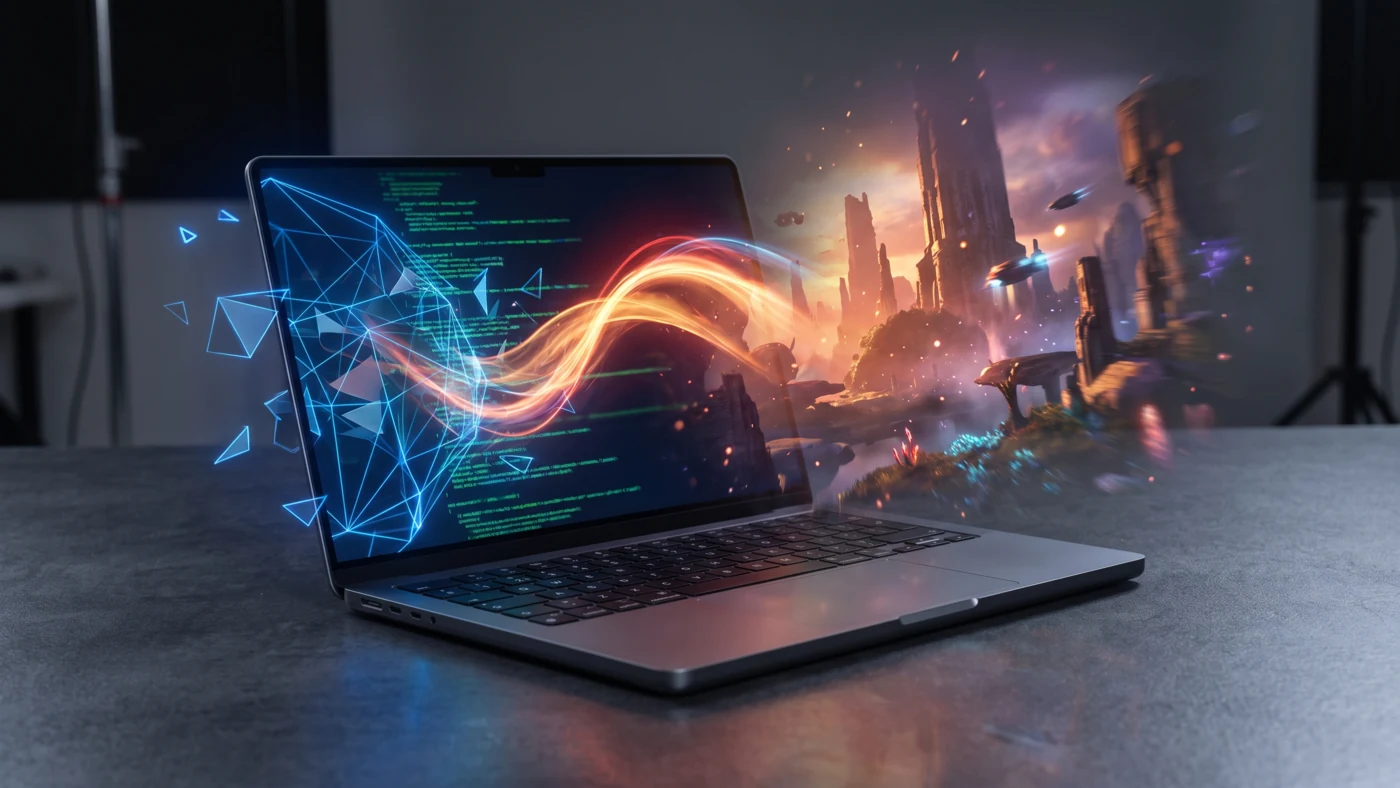
GPTK 4 changes the math for Mac gaming
GPTK 4 does not guarantee a flood of Mac ports. It does something more useful: it makes Windows games faster to evaluate on Apple silicon and less expensive to turn into native releases. That shifts Mac gaming’s hardest question from “can this run?” toward “is this worth shipping?”
Guide ·
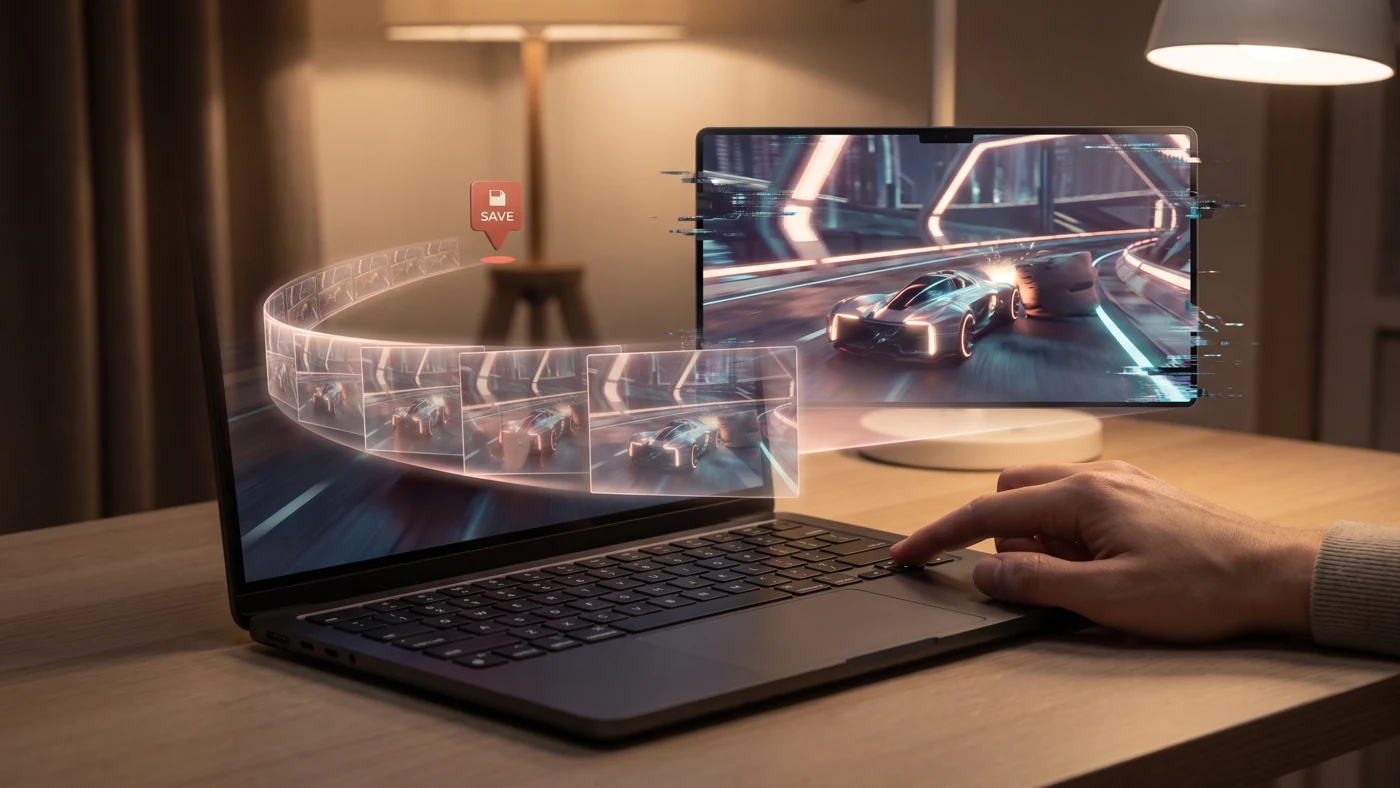
How to record the last 30 seconds on a Mac
macOS cannot save the last 30 seconds with its built-in Screenshot or QuickTime tools; both begin recording only after you press Record. For retroactive clips, use Steam Game Recording for Steam titles, OBS Replay Buffer, or a dedicated rolling-buffer app such as Hindsight.
Guide ·
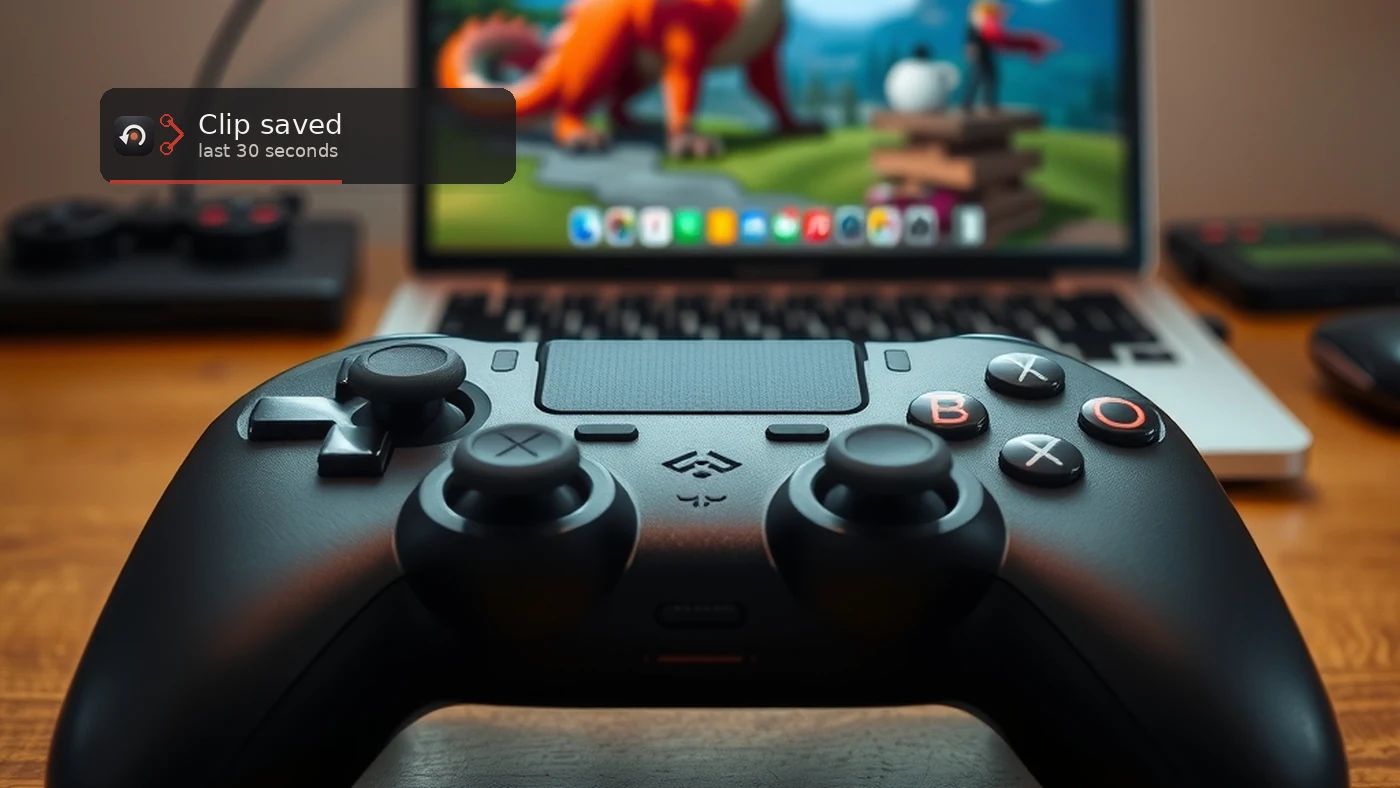
How to clip gameplay on a Mac
There are five ways to record gameplay on a Mac: the Shift-Command-5 toolbar, QuickTime, OBS Studio, Steam's own Game Recording, and a dedicated instant-replay app. Which one you want depends on whether you know in advance that you want to record, or only realise afterwards.
Guide ·
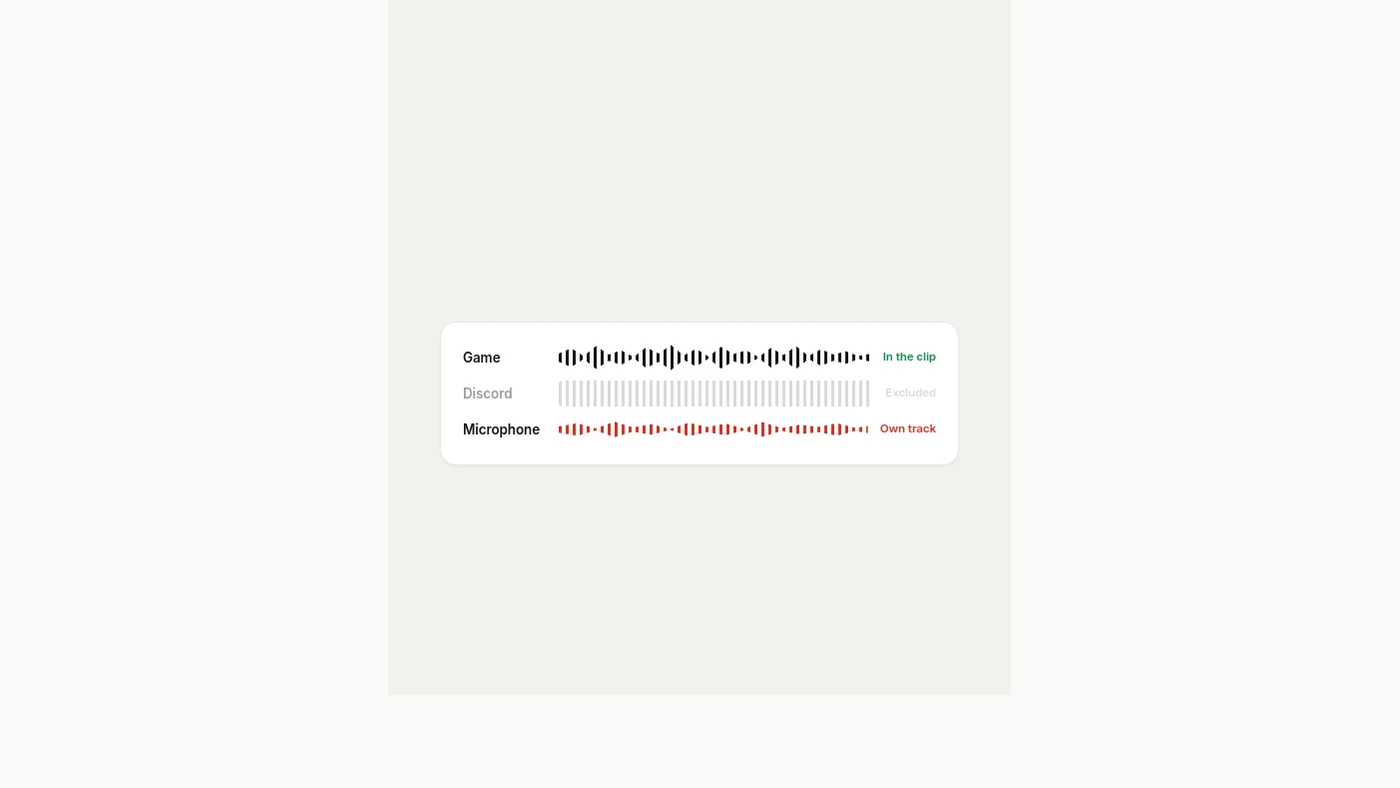
How to record game audio without your Discord call
macOS mixes every application's sound into one stream before it reaches your speakers, so a recorder reading that output cannot separate the game from Discord. The fix is to capture the game's window rather than the display, which lets ScreenCaptureKit take that application's audio in isolation, with no virtual audio driver.
Explainer ·
Screen recording permission on macOS, and why it keeps asking
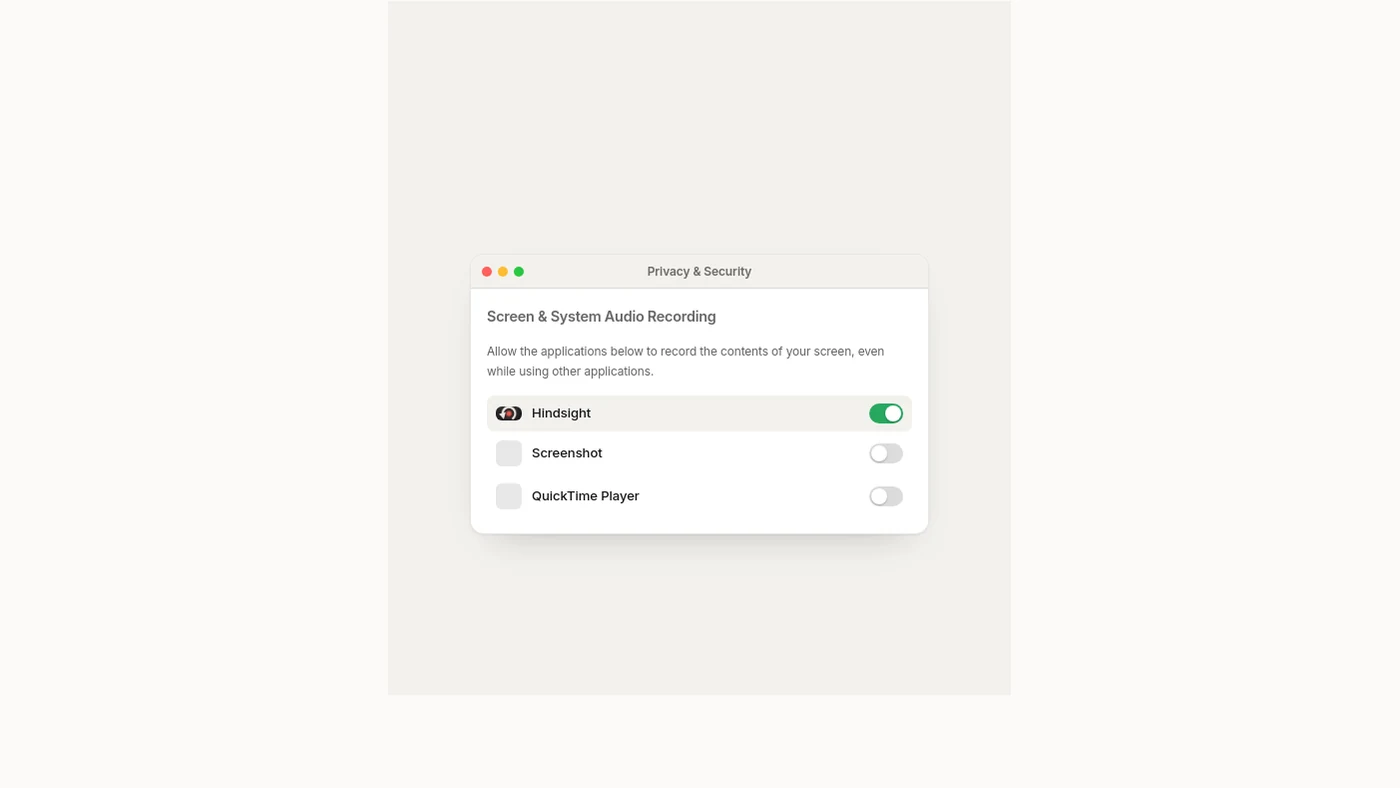
Screen & System Audio Recording permission lives in System Settings under Privacy & Security, and macOS re-confirms it periodically even for apps you have already approved. Clicking Allow keeps the existing grant. A prompt on every single launch means the entry is inconsistent and should be removed and re-added.